Key Takeaways
The "Frontend Cloud" is under fire. On April 19, 2026, a sophisticated OAuth hijack of a third-party AI tool, Context.ai, gave attackers a backdoor into Vercel’s internal systems. While "Sensitive" variables held the line, your standard API keys might be currently sitting on a hacker forum. Here’s the post-mortem, the $2M ransom rumor, and the 4-step checklist to lock down your deployments right now.
The "Frontend Cloud" just hit a major security speed bump. On April 19, 2026, Vercel confirmed a security incident that has the development community on high alert. If you’re running production apps on Vercel, this isn’t just "news"—it’s an immediate action item.
The Root Cause: The "AI Supply Chain" Attack
This wasn't a failure in Vercel’s core infrastructure or a bug in Next.js. Instead, it was a classic supply-chain hijack targeting the human element.
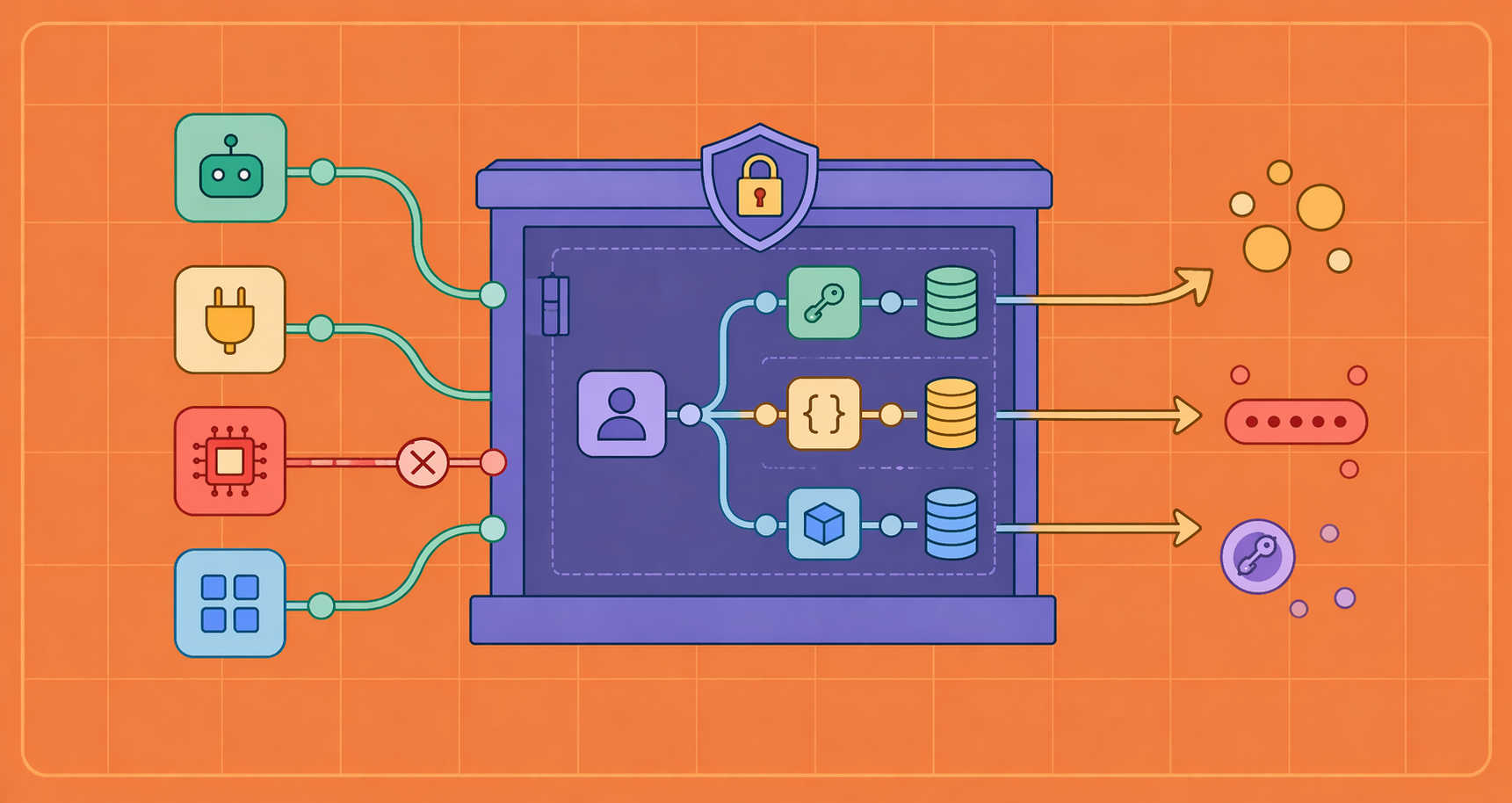
The breach originated at Context.ai, a third-party AI tool used by a Vercel employee. The attackers compromised Context.ai’s Google Workspace OAuth application. By doing so, they "inherited" the permissions granted to that tool, allowing them to take over a Vercel employee’s enterprise account.
From there, the attackers moved laterally into Vercel’s internal environments, including Linear tickets, internal configuration files, and GitHub repositories.
What Was Exposed? (The "Sensitive" vs. "Non-Sensitive" Divide)
The most critical takeaway from Vercel’s official report is how different types of data were handled:
| Data Type | Status | Why? |
|---|---|---|
| Sensitive Env Vars | SAFE | These are encrypted at rest and were not readable via the attacker’s path. |
| Non-Sensitive Env Vars | EXPOSED | Variables not marked as "sensitive" were readable in plain text within internal environments. |
| Internal Tools | BREACHED | Systems like Linear and certain GitHub repos were accessed. |
| Core Frameworks | SAFE | Vercel confirmed Next.js and Turbopack artifacts were not tampered with. |
Checklist: 4 Steps to Secure Your Vercel Projects
Vercel has stated they are contacting a "limited subset" of affected customers directly. Even if you haven't received an email, you should follow these steps immediately:
- Audit Your Environment Variables Check every project in your dashboard. If you stored a secret (like a Stripe key, OpenAI key, or Database URI) but didn't toggle the "Sensitive" flag, it must be considered compromised.
- Rotate Your Secrets Treat every "non-sensitive" secret as burned. Generate new API keys and update them in your Vercel dashboard. Do not just update them—revoke the old ones.
- Kill the Compromised OAuth ID
If you use Google Workspace, check your audit logs for this specific Client ID:
110671459871-30f1spbu0hptbs60cb4vsmv79i7bbvqj.apps.googleusercontent.com. If you find it, revoke its access immediately. - Verify Your Deployments Review your activity logs for any deployments or configuration changes you didn't trigger yourself between April 18 and April 20, 2026.
Final Thoughts: The Future of AI Security
Vercel CEO Guillermo Rauch noted that the attack moved with "inhuman velocity," suggesting the attackers were likely using AI agents to navigate internal systems at scale. This incident is a wake-up call for the "AI supply chain." We are moving faster than ever, but our security defaults—like opting into encrypted variables rather than having them on by default—need to catch up.
Stay Secure: Always use the Sensitive flag for any value you wouldn't want to see on a public forum.
Verified Documentation
- Official Vercel Bulletin: vercel.com/kb/bulletin/vercel-april-2026-security-incident
- Best Practices for Secrets: Vercel Docs - Environment Variables